Name the source files clearly, arrange them before merging, create the combined PDF, then inspect the first page, last page and every transition between documents.
Combine PDF documents cleanly, arrange them in the correct order and protect private material. Follow a simple review before sharing the final file. This guide explains a practical workflow, the limits to keep in mind and the checks worth making before you use the result.
Prepare the source documents
Open every file and confirm that it is the correct version. Remove duplicate drafts and rename the remaining files in the order they should appear.
If pages have different orientations or sizes, decide whether that is acceptable. Merging preserves those differences unless you edit the pages first.
Put the files in a logical order
Applications, reports and evidence packs are easier to review when the sequence matches the reader task. Begin with a cover or main document, then add supporting material in the order it is mentioned.
Use simple numbered filenames while preparing a large bundle. This reduces mistakes when several documents have similar titles.
Merge and inspect the result
After processing, check the total page count. Open the beginning and end, then visit each point where one source file changes to the next.
Look for missing pages, unexpected rotations and blank scans. Do not assume a successful download means the content is correct.
Handle private files carefully
Avoid uploading confidential records to an unknown service. A browser based tool can reduce exposure when processing genuinely remains on the device.
Save the finished file in the intended folder and remove unnecessary temporary copies from shared devices. Apply suitable access controls before sending sensitive material.
Practical checklist
- Rename files before arranging them.
- Confirm the final page count.
- Inspect every document transition.
- Use trusted processing for private files.
Put this guide into practice
Open the matching FindOnlinePK collection and choose the tool that fits your task.
Frequently asked questions
Does merging change the original PDFs?
The FindOnlinePK tool creates a new combined file and leaves the selected source files unchanged.
Can pages have different sizes?
Yes, although the final document may look inconsistent when viewed or printed.
Why should I inspect the final PDF?
A quick review catches wrong order, missing pages, rotation problems and duplicate files.
Related tool guides

How to Create a Strong Unique Password
Build stronger account protection with unique passwords, sensible length, secure storage and a trusted password manager for safer daily use.
Read guide →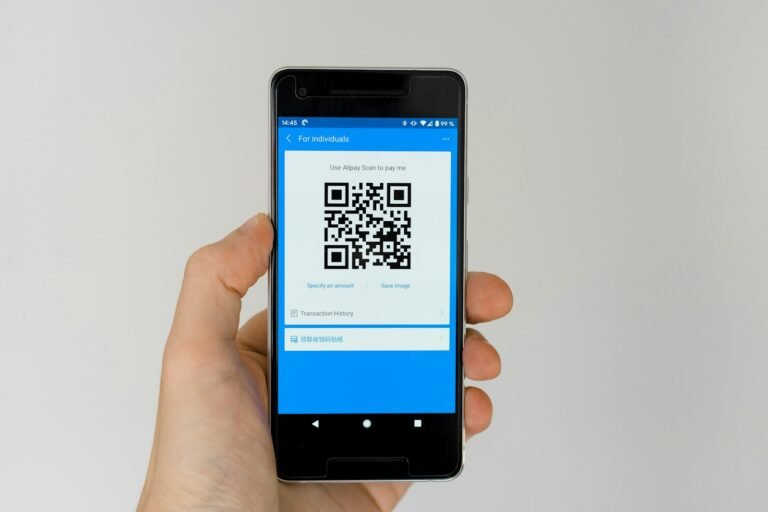
How to Create and Use QR Codes Safely
Create a useful QR code, test it on more than one device and help people understand where it will take them before they decide to scan safely.
Read guide →
How to Choose the Best Image Format for Web
Pick a practical image format for photographs, screenshots, transparent graphics and website artwork by comparing quality and compatibility.
Read guide →
Compress Images Without Visible Quality Loss
Reduce image size for a faster website while keeping text, faces and important details clear. Follow a careful resizing and quality checking workflow.
Read guide →
How to Calculate Facebook Engagement Rate
Calculate a useful Facebook engagement rate, choose the right formula and avoid misleading comparisons between different pages and post types.
Read guide →
How to Plan a TikTok Content Calendar
Turn a broad TikTok idea into repeatable content themes and a schedule your team can maintain, with a simple workflow for planning and review each week.
Read guide →